How to Convert Letters to Numbers (Step-by-Step Guide)
A clear, step-by-step guide to converting letters to numbers manually and with a free online tool, including worked examples.
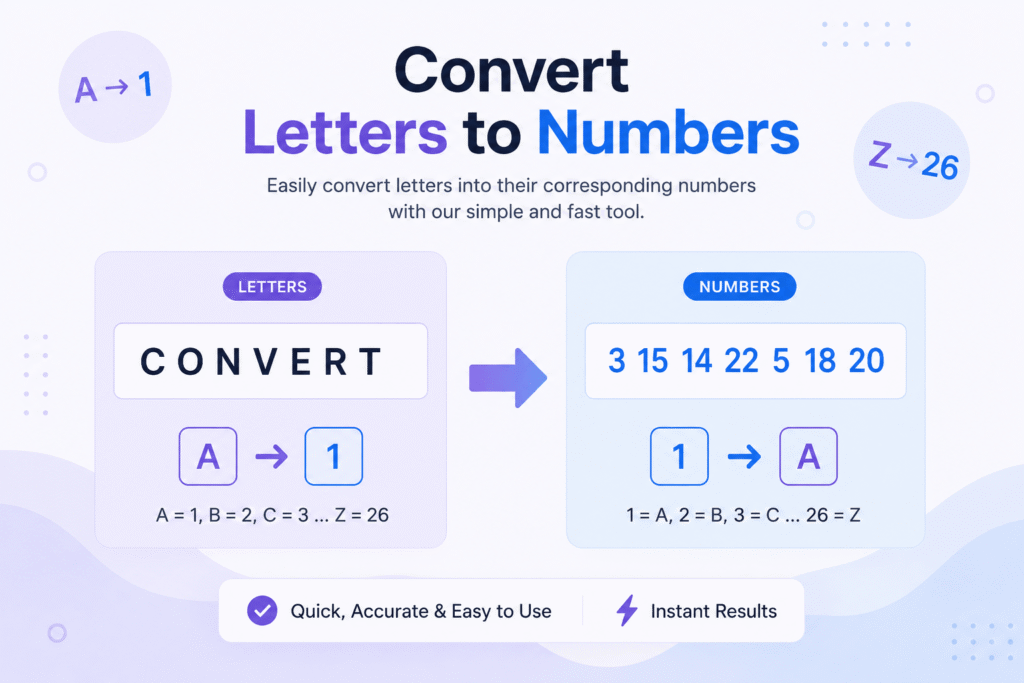
Converting letters to numbers is one of the simplest ways to turn plain text into a numeric code, and it’s the foundation behind ciphers, puzzles, and even how computers represent text internally. This guide walks through the manual method step by step.
What does “letter to number” actually mean?
The most common system is called A1Z26: each letter is matched to its position in the alphabet. A is the 1st letter, so A=1. B is the 2nd letter, so B=2. This continues through Z, the 26th letter, so Z=26. You can read more about this system in our full A1Z26 cipher guide.
Step 1: Write out your text
Start with whatever you want to convert a single letter, a word, or a full sentence. Case doesn’t matter: “hello” and “HELLO” convert to identical numbers.
Step 2: Match each letter to its alphabet position
Go through your text letter by letter. For the word HELLO:
- H is the 8th letter → 8
- E is the 5th letter → 5
- L is the 12th letter → 12
- L is the 12th letter → 12
- O is the 15th letter → 15
Step 3: Join the numbers together
Separate each number with a consistent symbol, most commonly a hyphen. HELLO becomes 8-5-12-12-15. See more worked conversion examples across different word lengths.
When manual counting gets slow
This method works fine for short words, but counting positions for a full sentence gets tedious fast. Once you understand the pattern, the full converter handles words, sentences, and paragraphs instantly, with support for A0Z25, reverse alphabet, and ASCII modes too. You can also browse the complete A-Z number chart for quick reference, or see how this method gets used in real puzzles and escape rooms.
Ready to convert your own text?
Open the free converter and try A1Z26, A0Z25, reverse alphabet, or ASCII in seconds.
Open the Converter